Display Properties on Your WordPress Website
Install the Work247 WordPress plugin, connect your site, set up the property detail page and embed your listing widgets – step by step.
5 min read
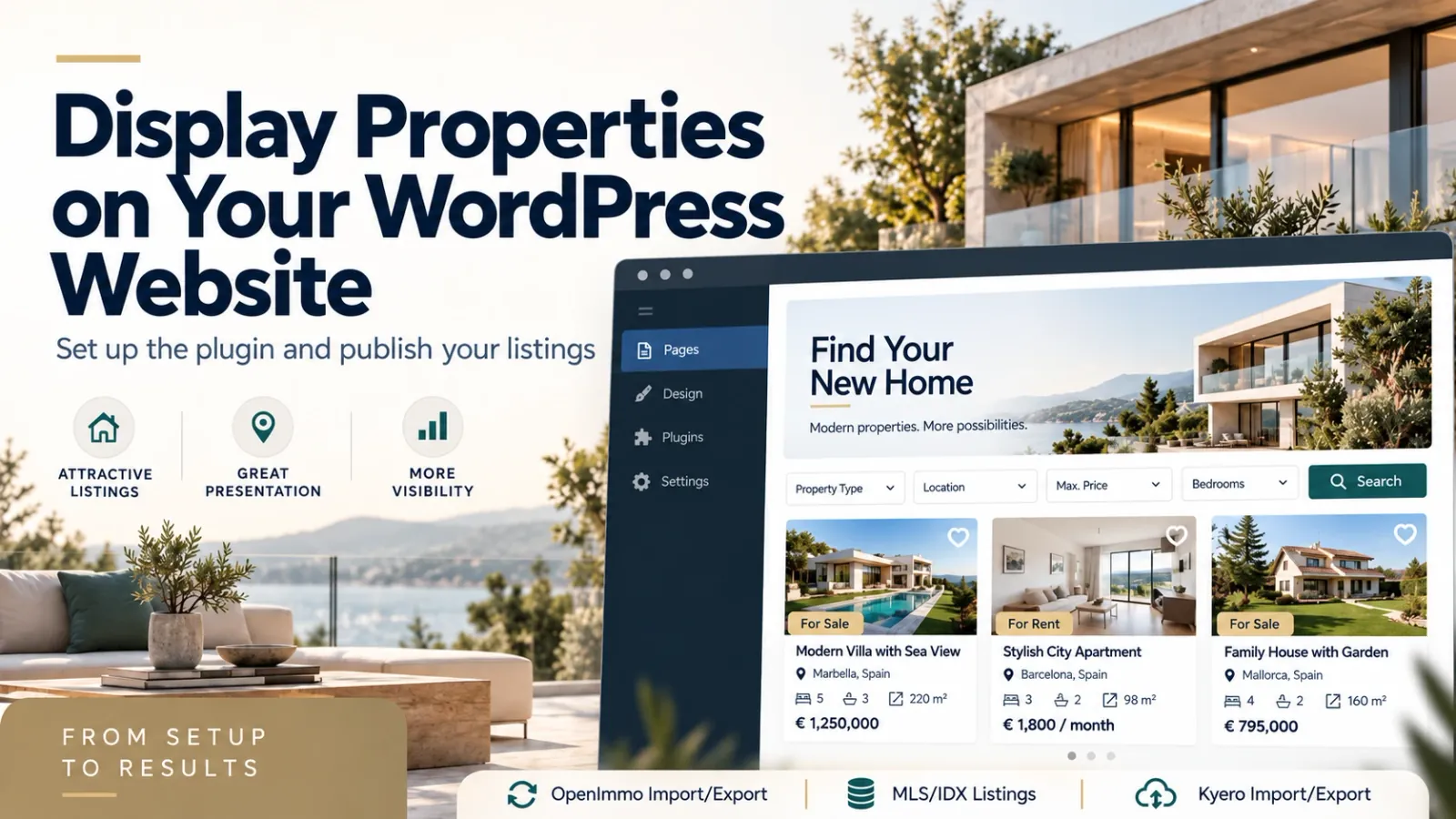
Already running your website on WordPress? The Work247 property plugin connects it to your portfolio. You design all widgets in Work247 and insert them in WordPress with a short code – listings, detail pages, MLS search and valuation forms then stay up to date automatically.
What the plugin does
- Inserts widgets from Work247 via embed code – gallery, list, table, carousel and map.
- Changes to a widget in Work247 apply immediately on all pages.
- Creates its own property detail pages with readable addresses.
- Loads the widget scripts only on pages that contain a widget.
- Plugin interface in six languages.
Install and connect the plugin
- 1Download the current plugin ZIP in Work247 under “Settings → WordPress plugin”.
- 2In WordPress, open “Plugins → Add New → Upload Plugin”, select the ZIP file and activate the property plugin.
- 3Open the plugin settings. Create a page for property details – or let the plugin create it – and select it as the “Property detail page”.
- 4Copy the WordPress connection code from the Work247 website settings into the plugin and click “Connect WordPress”. Your domain is confirmed automatically.
- 5Back in Work247, refresh the connection status in the website settings.
Publish your listings
- 1Create a widget under “Website widgets” in Work247 and choose the view, filters, language and colours.
- 2Copy the WordPress code from the widget's embed codes.
- 3Paste it on the WordPress page where your listings should appear and publish the page.
On the property detail page you add exactly one shortcode: the same widget ID as your property widget with ansicht="detail". You will also find this ready-made code in the widget's embed codes.
Secure by design
View, colours and settings come from the widget in Work247; the security check comes from your verified website domain. No secret reCAPTCHA or provider keys are stored in WordPress – nothing sensitive sits in your website's database.